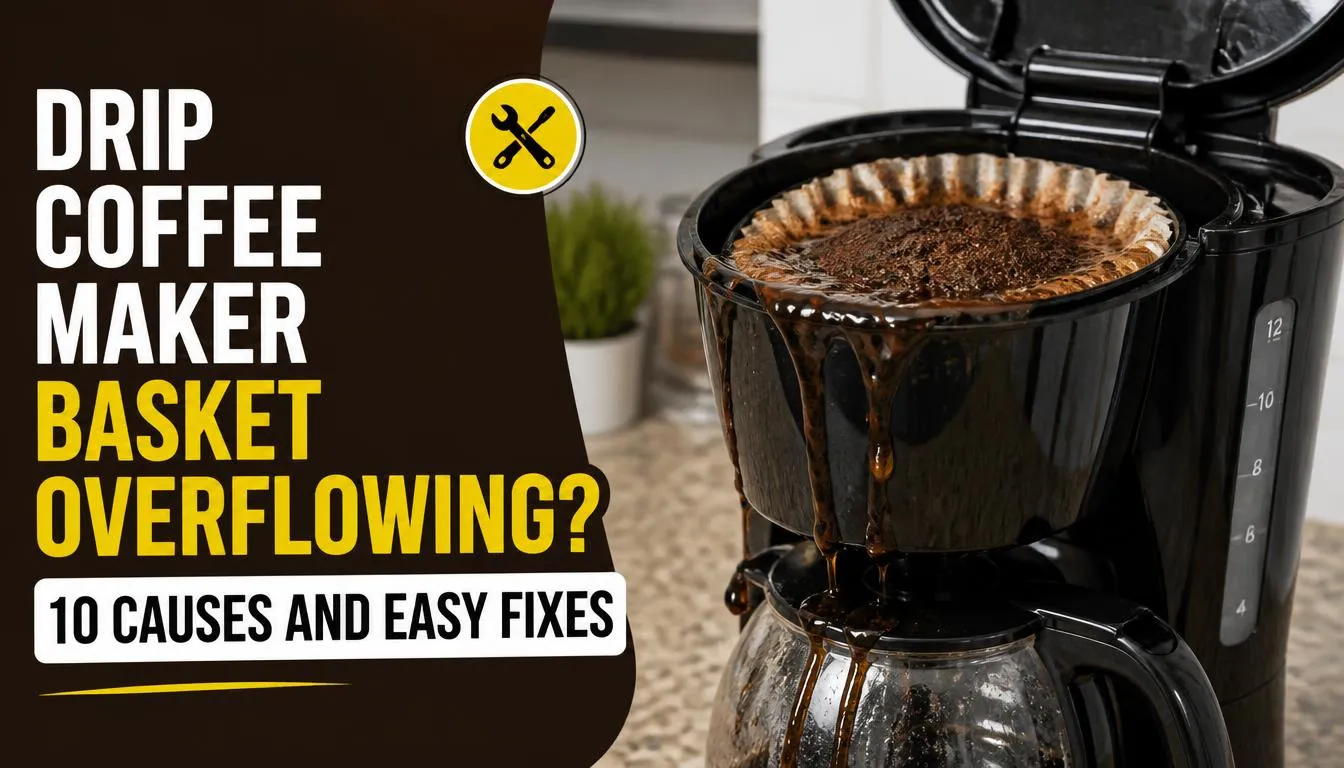
If your drip coffee maker basket keeps overflowing, you may find coffee grounds floating in the carafe, hot coffee spilling onto the counter, or water collecting around the filter basket. This problem can be frustrating, especially when you just want a fresh cup of coffee.
The good news is that you may not need a new coffee maker. The problem often comes from coffee grounds that are too fine, too much coffee, a poorly fitted filter, or a blocked drip-stop. In this guide, I will explain how to identify the likely cause, fix it safely, and prevent the problem from happening again.
Quick Answer: Why Is My Drip Coffee Maker Basket Overflowing?
A drip coffee maker basket usually overflows when water cannot pass through the coffee grounds and filter fast enough. Common causes include very fine coffee grounds, too much coffee, a collapsed paper filter, a clogged basket outlet, or a carafe that is not positioned correctly.
First, turn off the coffee maker and allow it to cool. Then check the coffee quantity, grind size, filter placement, brew basket, carafe, and drip-stop. Clean the accessible parts and follow your manufacturer’s instructions before brewing again.
What to Do First When Your Coffee Maker Basket Overflows
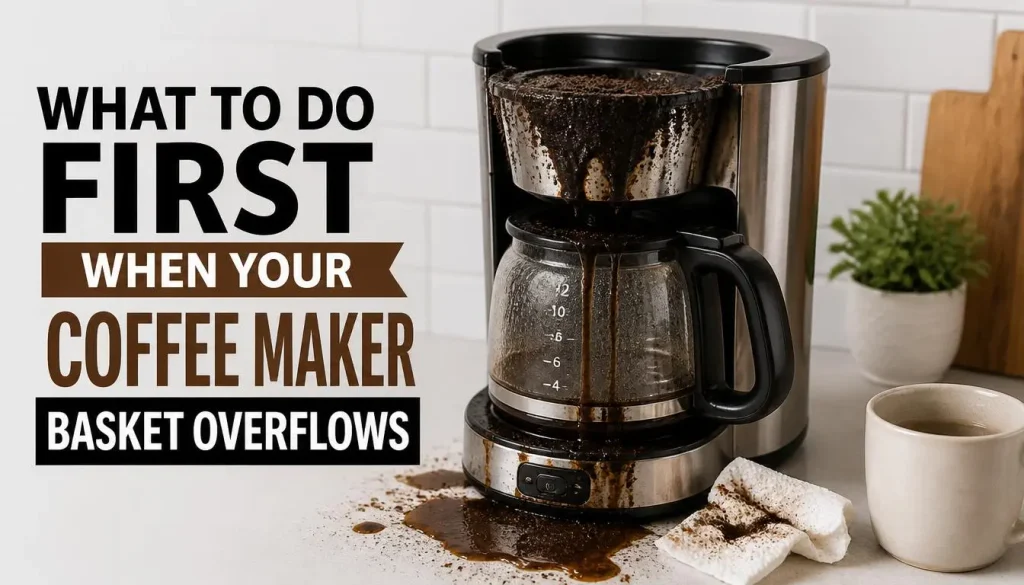
Before looking for the cause, take a few simple steps to protect yourself and your kitchen.
1. Turn Off the Coffee Maker
Stop the brewing cycle as soon as you can do so safely. Hot water can continue entering the basket while the machine is running, making the spill worse.
If water is near the electrical cord, plug, or outlet, do not touch the wet area. Keep away and disconnect the power only from a safe, dry location.
2. Let the Machine Cool Down
Wait until the basket and any spilled coffee have cooled enough to handle safely. Do not remove a hot basket or reach underneath it while hot water may still be draining.
3. Remove the Used Coffee Grounds
Once the machine is safe to handle, remove the used grounds and paper filter. Check whether the filter has collapsed, folded inward, or allowed coffee grounds to escape around its edges.
4. Check the Carafe and Basket
Make sure the carafe is correctly positioned beneath the basket. If your coffee maker has a pause-and-serve feature, check that its drip-stop mechanism is not blocked.
These first checks can help you find the cause without taking the machine apart.
10 Common Causes of a Drip Coffee Maker Basket Overflowing
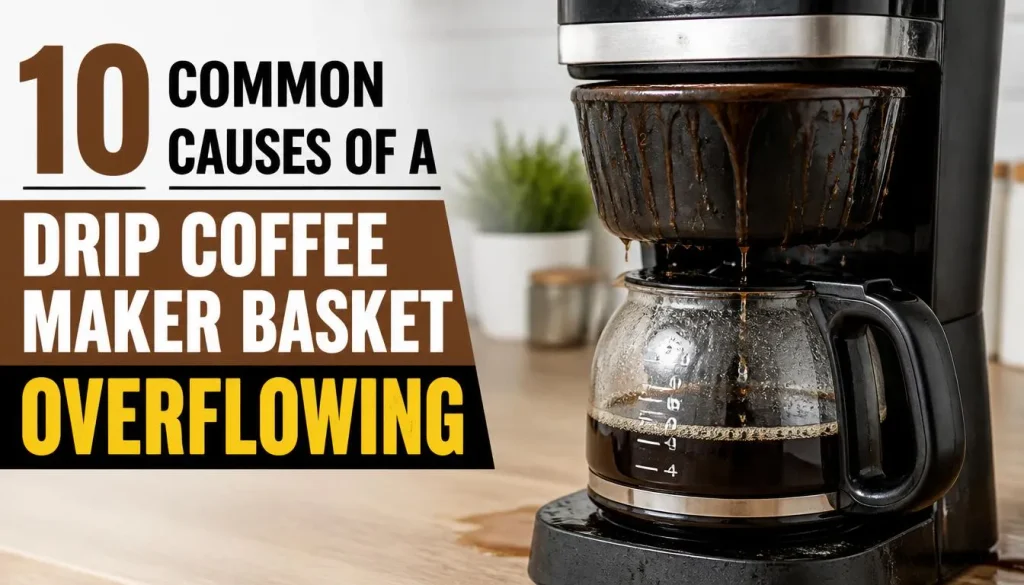
1. Your Coffee Grounds Are Too Fine
Coffee grind size can make a big difference to how quickly water passes through the filter.
Very fine grounds, similar to those used for espresso, can pack tightly together. Water then drains more slowly, so the basket may fill faster than it can empty.
You might notice that your coffee maker takes longer than usual to brew or that the basket begins overflowing even when you use your normal amount of coffee.
How to fix it:
Use coffee ground for automatic drip coffee makers. A medium grind is a good starting point for many machines, although some manufacturers recommend a different setting.
If you grind beans at home, adjust the grinder one step coarser and brew another pot. Change only one thing at a time so you can see whether the adjustment helps.
The Frigidaire coffee maker troubleshooting guide also identifies very fine grounds as a possible cause of basket overflow.
2. You Are Using Too Much Ground Coffee
Adding extra coffee may seem like an easy way to make a stronger brew, but it can restrict water flow.
When the basket contains too many grounds, water has less room to move through the coffee bed. The grounds can also swell as they absorb water, leaving less space in the basket.
This problem is more likely if you have recently changed your coffee recipe or started brewing a larger pot.
How to fix it:
Measure the coffee instead of filling the basket by eye. Follow your coffee maker’s recommended coffee-to-water ratio and maximum capacity.
If the coffee tastes weak, adjust the recipe gradually. Do not fill the basket beyond its recommended limit to make a stronger drink.
3. Your Paper Coffee Filter Is Folding or Collapsing
A paper filter needs to sit properly inside the brew basket. If it folds inward, tears, or collapses during brewing, it may interfere with the normal flow of water.
A filter that is too small or the wrong shape may also leave gaps around the edges.
You may notice coffee grounds in the carafe or used grounds spilling over the sides of the filter.
How to fix it:
- Turn off the coffee maker and let it cool.
- Remove the used filter and grounds.
- Check the recommended filter size for your model.
- Open the new filter fully and position it evenly inside the basket.
- Make sure its edges are supported by the sides of the basket.
If your manufacturer recommends rinsing the basket before inserting a paper filter, follow that instruction. Some manufacturers recommend this because it helps the filter sit against the basket walls.
4. Coffee Grounds Are Trapped Between the Filter and Basket
Sometimes, the filter itself is fine, but loose coffee grounds are trapped between the paper and the basket.
These grounds can interfere with the way the filter sits. Water may also escape around parts of the filter instead of flowing through it normally.
This problem can happen when you pour coffee grounds into the basket before checking the position of the paper filter.
How to fix it:
Remove the filter and clean the basket. Insert a fresh filter, making sure it is fully open and correctly positioned before adding the coffee.
Pour the measured grounds into the centre of the filter without spilling them over the edges.
If the problem keeps happening, check whether the paper filter is the correct shape and size for your machine.
5. You Are Using Two Filters or an Incompatible Filter
Using two filters at once can slow water flow. For example, placing a paper filter inside a reusable mesh filter may restrict drainage in machines that are not designed for this combination.
The same problem can happen if you use a filter that does not match the basket.
How to fix it:
Check your owner’s manual to find out which filter types are supported.
Use one compatible paper filter or one approved reusable filter unless the manufacturer specifically allows another arrangement.
The KitchenAid brew basket overflow guide explains why the correct filter, basket installation, and grind size matter.
6. The Brew Basket Is Not Fully Inserted
Many drip coffee makers have a removable brew basket. If it is not fully inserted, its drainage or pause-and-serve mechanism may not work correctly.
You may notice that the coffee maker starts overflowing after you clean the basket or move the machine.
Some models require the removable basket to be installed before the carafe is placed underneath it.
How to fix it:
Once the machine has cooled, remove the basket and check for visible coffee residue around its mounting points.
Reinsert it according to the manufacturer’s instructions. Make sure it sits evenly and locks into place if your model uses a locking mechanism.
Do not force a basket that does not fit. Check that you are using the correct component for your coffee maker.
7. The Carafe or Its Lid Is Not Positioned Correctly
Your drip coffee maker needs a clear path for brewed coffee to flow from the basket into the carafe.
If the carafe is sitting at an angle, is pushed too far to one side, or is incompatible with the machine, it may not activate the drip-stop correctly.
Some machines also require the carafe lid to be fitted properly for the coffee to drain as intended.
How to fix it:
Remove the carafe after the machine has cooled. Check that it is the correct carafe for your model and inspect its lid for damage.
Place it directly beneath the basket, following the marks or guides on the warming plate.
If the basket still overflows, consult the manual for the correct carafe and lid position.
8. You Remove the Carafe for Too Long During Brewing
Some drip coffee makers allow you to remove the carafe temporarily to pour a cup before the brewing cycle finishes. This feature is often called pause-and-serve.
However, it does not work the same way on every machine.
On models with a timed pause-and-serve feature, removing the carafe for too long may allow coffee to collect in the basket faster than it can drain elsewhere.
How to fix it:
Avoid removing the carafe while brewing unless your machine supports this feature. If you use pause-and-serve, return the carafe promptly and follow the timing instructions in your manual.
For example, Philips explains its filter-holder overflow problem and notes that removing the jug for too long during brewing can cause an overflow on certain models.
The exact time limit varies by machine, so do not assume the same limit applies to every coffee maker.
9. The Drip-Stop or Basket Outlet Is Clogged
The drip-stop is a mechanism that controls coffee flow from the brew basket. Some models have a manual lever, while others use an automatic mechanism activated by the carafe.
Coffee grounds, oils, and old residue can build up around the outlet. If the opening becomes blocked, coffee cannot drain properly.
You may notice that the basket fills with liquid while very little coffee enters the carafe.
How to fix it:
- Switch off the machine and allow it to cool.
- Remove the brew basket if the design allows it.
- Wash the basket with warm water and mild dish soap.
- Inspect the outlet and drip-stop for visible coffee residue.
- Clean the accessible parts according to the manual.
Do not force sharp objects into small openings or dismantle the valve unless the manufacturer specifically instructs you to do so.
If the drip-stop is damaged or stuck, the machine may need a compatible replacement part or professional service.
10. The Reusable Filter or Coffee Maker Needs Cleaning
A reusable mesh filter can collect coffee oils and fine particles over time. These deposits may restrict water flow and contribute to overflow.
Coffee residue can also build up around the basket outlet and other accessible brewing parts.
If you cannot remember the last time you cleaned your machine, maintenance is worth checking.
How to fix it:
Remove and clean the reusable filter and other removable parts according to the manufacturer’s instructions. Make sure the basket outlet is clear before using the machine again.
Cleaning and descaling are different tasks. Cleaning removes coffee oils and residue, while descaling targets mineral deposits from water.
For a practical schedule, see our guide on how often you should clean your coffee maker.
If your machine also brews slowly or stops releasing water, our guide to coffee makers that stop working after descaling may help you investigate related flow problems.
How to Fix a Drip Coffee Maker Basket That Keeps Overflowing
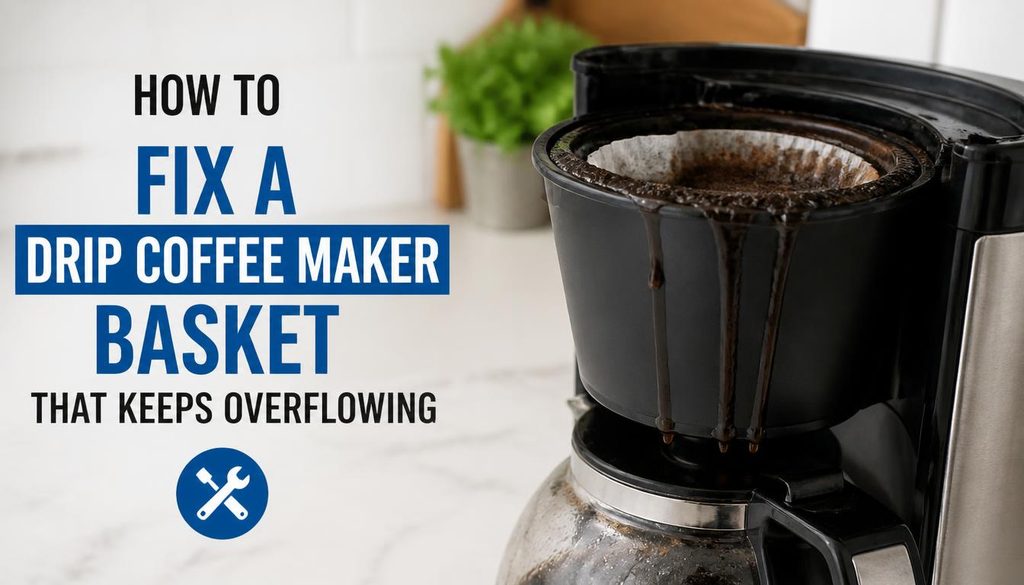
If you have checked the likely causes but still do not know what is wrong, follow this simple troubleshooting order.
Step 1: Clean the Empty Basket
Remove the used grounds and filter. Wash the basket if it is removable and safe to clean separately.
Inspect the outlet for visible residue. Let the parts dry or reassemble them as directed by the manufacturer.
Step 2: Fit a New, Correctly Sized Filter
Use a filter made for your coffee maker. Make sure it is fully open and sits evenly inside the basket.
Avoid adding grounds until you are satisfied that the filter is correctly positioned.
Step 3: Reduce the Coffee Quantity if Needed
Measure the grounds and check your machine’s recommended capacity.
If you have been using more coffee than recommended, try a smaller amount on the next brew.
Step 4: Adjust the Grind Size
If the coffee is very finely ground, try a suitable drip grind. This is especially important if the basket drains slowly.
Keep the coffee quantity the same during this test so you can tell whether the grind change helps.
Step 5: Check the Carafe and Drip-Stop
Make sure the carafe is properly positioned and the removable brew basket is fully installed.
Check that the drip-stop opening is clean and that any manual lever is in the correct position for brewing.
Step 6: Test the Machine Carefully
After you have reassembled everything, you can try a water-only cycle if your manufacturer’s instructions permit it.
Use the normal water limit and remain nearby. If water starts accumulating in the basket or leaking from an unexpected area, stop the cycle safely.
Do not repeatedly run a machine that continues to overflow.
How to Identify the Cause of Coffee Basket Overflow
The way your coffee maker behaves can help you narrow down the cause.
| What you notice | Possible cause | What to check first |
|---|---|---|
| Overflow begins after changing coffee | Grind size or coffee quantity | Try a suitable drip grind |
| Coffee brews more slowly than usual | Fine grounds or restricted drainage | Inspect the filter and basket outlet |
| Paper filter folds inward | Incorrect size or placement | Use the right filter and fit it evenly |
| Coffee grounds appear in the carafe | Filter problem or basket overflow | Check the filter edges and grounds |
| Overflow starts after cleaning | Basket or other parts fitted incorrectly | Recheck the assembly |
| Basket fills when carafe is removed | Pause-and-serve limitation | Follow the model’s instructions |
| Overflow continues after cleaning | Persistent blockage or a faulty part | Contact the manufacturer |
These clues are not guaranteed diagnoses. Several problems can produce similar symptoms, so check the simple causes before assuming a component has failed.
How Much Coffee Should You Put in a Drip Coffee Maker?
There is no single amount that works for every coffee maker. Basket size, water capacity, coffee type, and the manufacturer’s recommended brewing ratio all matter.
Start with the amount suggested in your owner’s manual. Measure the grounds rather than filling the filter by eye.
If you use decaffeinated, flavored, or very finely ground coffee, you may need to use slightly less than usual. These coffees can contribute to slow drainage in some machines.
Consumer Reports discusses this issue in its guide to why coffee makers overflow.
If you want stronger coffee, adjust the ratio within the machine’s recommended limits. Brewing a smaller batch may be a better option than overfilling the basket.
How to Prevent Your Coffee Maker Basket From Overflowing Again
A few simple habits can reduce the chances of another spill.
- Use the right grind size. Choose coffee ground for your type of brewer.
- Measure your coffee. Do not fill the basket beyond its recommended capacity.
- Check the paper filter. Make sure it is open, correctly sized, and sitting evenly in the basket.
- Avoid incompatible filter combinations. Follow your manufacturer’s instructions for paper and reusable filters.
- Keep the basket clean. Remove old grounds after each brew.
- Clean the reusable filter. Remove coffee oils and residue according to the care instructions.
- Position the carafe correctly. Check that it sits directly beneath the basket.
- Keep the drip-stop clear. Inspect accessible parts for stuck grounds.
- Clean and descale on schedule. Follow the maintenance plan for your specific model.
- Replace damaged parts. Do not continue using a cracked basket or an incompatible carafe.
Regular maintenance is especially helpful if your machine is used several times a day.
Can Descaling Fix an Overflowing Coffee Maker?
Sometimes, but it depends on the cause.
Descaling helps remove mineral buildup that can affect a coffee maker’s internal water pathways. However, it will not correct an incorrect filter, too much coffee, a poorly fitted basket, or a carafe that fails to activate the drip-stop.
Start by checking the filter, grounds, basket, and carafe. Descale only when necessary and according to the manufacturer’s instructions.
If the machine starts leaking after a descaling cycle, our guide to coffee maker leaking after descaling explains how to check accessible parts and identify when further help may be needed.
When Should You Contact the Manufacturer?
Most basic overflow problems can be investigated without opening the machine. However, some problems require a technician or replacement parts.
Contact the manufacturer or an authorized repair service if:
- The basket continues to overflow after you have checked the filter, coffee quantity, carafe, and accessible outlet.
- The drip-stop is damaged or does not move as intended.
- The basket, carafe, or another component is cracked.
- Water leaks from underneath the machine or near electrical parts.
- You notice burning smells, damaged wiring, or other signs of an electrical fault.
Do not remove the machine’s casing to inspect internal parts unless you are qualified and the manufacturer permits that work. If water is near electrical components, stop using the machine.
Frequently Asked Questions
Why does my drip coffee maker keep overflowing?
The most common causes are coffee grounds that are too fine, too much coffee, a poorly fitted filter, a clogged basket outlet, or a carafe that is not positioned correctly. Check these parts first, then clean the accessible areas and follow your machine’s instructions.
Can fine coffee grounds cause a filter basket to overflow?
Yes. Very fine grounds can pack tightly together and slow the movement of water through the coffee bed. Try a grind intended for drip coffee makers and check whether the basket drains normally. Avoid changing several things at once during troubleshooting.
Why does my coffee maker overflow when I remove the carafe?
Some models have a pause-and-serve feature that temporarily stops coffee from dripping into the basket’s outlet. If the carafe stays away too long, the basket may overflow. Check whether your machine supports this feature and follow its instructions.
Can too much coffee make the brew basket overflow?
Yes. Excessive grounds can restrict drainage and leave less space for the wet coffee bed to expand. Measure the coffee and stay within your machine’s recommended capacity. If the coffee is too strong, adjust the brewing ratio without overfilling the basket.
Can a reusable coffee filter cause overflow?
It can if the mesh is clogged with coffee oils and residue or if the filter is incompatible with the machine. Clean the filter according to the manufacturer’s instructions. Do not use it together with a paper filter unless the manufacturer allows that combination.
Why is my coffee maker overflowing and brewing slowly?
Slow brewing and basket overflow can share a cause, such as very fine grounds, too much coffee, a restricted filter, or a blocked outlet. Check the filter and coffee quantity first. If the issue continues, inspect the accessible parts and consult the manufacturer’s guide.
Can descaling fix an overflowing coffee maker?
Descaling may help if mineral buildup is restricting water flow, but it will not solve every overflow problem. Check the coffee, filter, carafe, and drip-stop first. Use a descaling product and procedure recommended for your model.
Why does my coffee maker overflow after cleaning?
A removable brew basket, filter, carafe, or other part may not have been fitted correctly after cleaning. Turn off the machine, let it cool, and check the assembly against the manual. If overflow continues, inspect the accessible drainage parts or contact the manufacturer.
How do I stop coffee grounds from getting into the carafe?
Use the correct grind size and filter, fit the filter evenly, and avoid overfilling the basket. If larger grounds reach the carafe, check for a collapsed or torn filter and look for signs that the basket has overflowed.
Final Thoughts
A drip coffee maker basket overflowing can often be fixed by making a few simple changes. Start with the coffee grind, the amount of coffee, and the position of the filter. Then check the carafe, brew basket, and drip-stop for problems that prevent coffee from draining properly.
Clean the accessible parts and follow your manufacturer’s instructions before trying another brew. If the basket continues to overflow, or you notice a leak near electrical components, stop using the machine and seek professional help.
Finding the cause is more useful than repeatedly cleaning the machine or buying a replacement. With the right checks, you can often get your coffee maker back to brewing normally without another messy spill.

“I believe great cooking starts with the right tools, trusted advice, and a little confidence in the kitchen.”
Hi, I’m Emma Carter. My love for cooking began in my grandmother’s kitchen, where I learned that every great meal starts with simple ingredients and the right cookware. Over the years, I’ve spent countless hours researching, testing, and comparing kitchen appliances, cookware, coffee makers, air fryers, and other everyday kitchen essentials.
Here at KiCook, my goal is to make your buying decisions easier with honest product reviews, practical buying guides, and easy-to-follow cooking tips. Whether you’re upgrading your kitchen or searching for the best appliance for your home, I focus on providing clear, reliable, and research-backed information you can trust.
When I’m not testing new kitchen gadgets or writing in-depth guides, you’ll usually find me trying new recipes, visiting local farmers’ markets, or enjoying a quiet cup of coffee while planning my next kitchen project.