
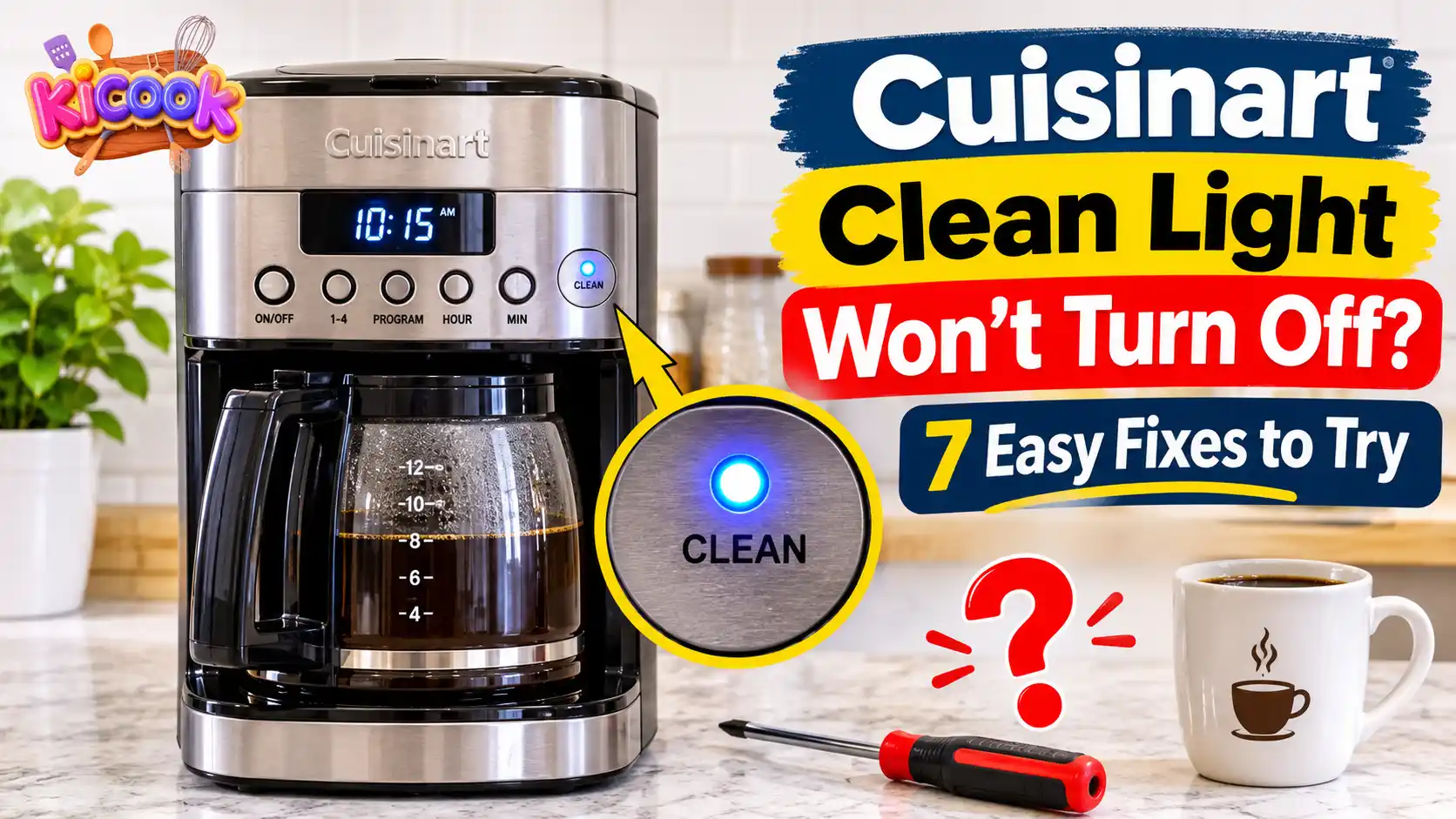
You have finished cleaning your Cuisinart coffee maker, but the Clean Light is still on. You may have run the vinegar cycle, rinsed the water reservoir, and restarted the machine. Yet the warning light refuses to disappear.
This problem can be frustrating, especially when you just want to make your next cup of coffee.
The good news is that a Cuisinart clean light that stays on does not always mean your coffee maker is broken. The cleaning cycle may not have finished correctly, you may have used the wrong button sequence, or your particular model may need an additional cleaning step.
In this guide, I will explain why the Cuisinart Clean Light stays on and show you seven practical ways to fix it. I will also cover important differences between popular models, including the DCC-3200, DCC-1100, and SS-4N1 Coffee Center.
Quick Answer: How Do You Turn Off the Cuisinart Clean Light?
To turn off the Cuisinart Clean Light, complete the correct descaling cycle for your coffee maker model. Remove the charcoal water filter before cleaning, use the recommended vinegar solution, and let the entire cycle finish. If the light returns, follow your model’s manual to determine whether another cleaning cycle is needed. Different Cuisinart models use different cleaning procedures.
Why Won’t the Clean Light Turn Off on Your Cuisinart Coffee Maker?
Your Cuisinart coffee maker uses a Clean Light to remind you when the machine needs descaling. Mineral deposits from water can collect inside the heating system and water pathways over time.
These deposits are often called limescale. They can slow down brewing and affect how your coffee maker works.
However, the Clean Light may remain on for several reasons.
| Possible Cause | What You May Notice |
|---|---|
| Incomplete cleaning cycle | The warning light stays on after cleaning |
| Incorrect button sequence | The cleaning mode does not start |
| Mineral buildup | The Clean Light returns after descaling |
| Missed rinse step | The machine does not complete its cleaning process |
| Wrong cleaning mixture | The cleaning process may not work as intended |
| Model-specific procedure | The machine needs a different cleaning sequence |
Before trying random reset methods, identify your exact Cuisinart model. This will help you choose the correct solution.
What Does a Flashing or Steady Cuisinart Clean Light Mean?
A flashing Clean Light does not mean the same thing on every Cuisinart coffee maker.
For example, the DCC-1100C manual explains that a flashing Clean Light is a reminder that the machine needs descaling.
On the other hand, the DCC-3200C uses a flashing CLEAN LED to indicate that the coffee maker has entered Clean mode after you hold the CLEAN button.
A steady light may also appear during the cleaning process on certain older models.
Therefore, do not assume that every flashing or steady light indicates a fault. Check your model’s instruction booklet to understand what the indicator means.
7 Ways to Fix a Cuisinart Clean Light That Won’t Turn Off
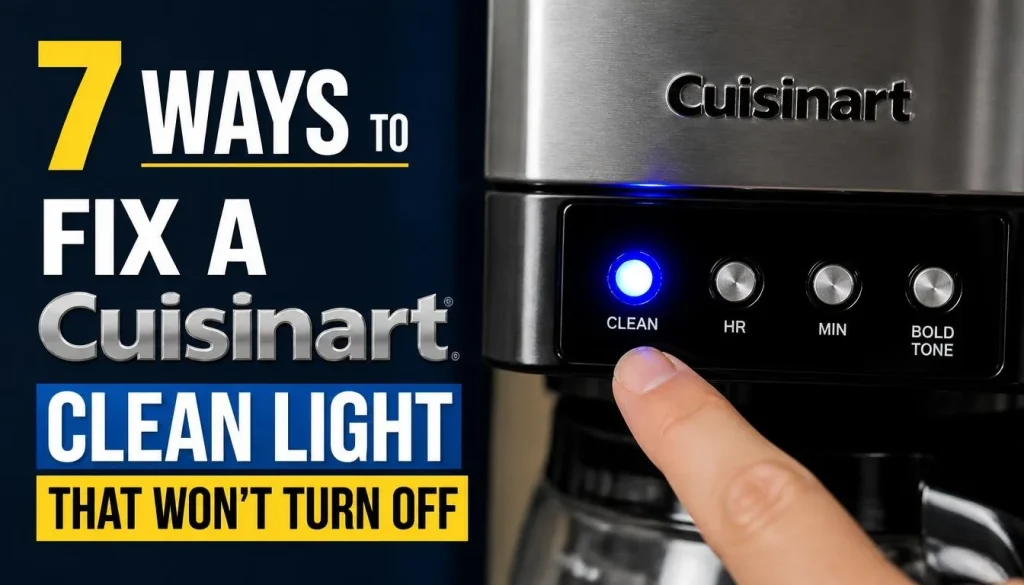
Try these solutions in order. Start with the simple checks before repeating the entire descaling process.
1. Check Your Exact Cuisinart Coffee Maker Model
The first thing I recommend is checking your coffee maker’s model number.
Cuisinart makes several types of coffee makers, including:
- DCC-1100 programmable coffee makers
- DCC-3200 PerfecTemp coffee makers
- SS-4N1 Coffee Center BaristaBar
- Other Coffee Center and single-serve models
These machines do not all use the same cleaning procedure.
You can usually find the model number on a label underneath or behind the coffee maker. Check the label carefully.
Once you know the model, visit the official Cuisinart coffee maker manuals page and find the correct instruction booklet.
This small step can save you from using the wrong button combination or cleaning solution.
2. Remove the Charcoal Water Filter Before Descaling
A charcoal water filter helps reduce unwanted tastes and odors in your brewing water.
However, Cuisinart instructs users to remove the charcoal filter before descaling certain coffee maker models.
If the filter is still installed, remove it before starting the cleaning process.
Follow these steps:
- Turn off the coffee maker.
- Remove the charcoal water filter holder from the reservoir.
- Take out the charcoal filter.
- Remove used coffee grounds and any paper filter.
- Empty the carafe and rinse it.
- Prepare the cleaning solution according to your model’s manual.
Do not forget to put the charcoal filter back after completing the cleaning and rinsing steps.
You should also make sure the water reservoir is properly seated before starting the cycle.
3. Use the Correct Vinegar and Water Mixture
Using the wrong cleaning mixture is another possible reason your Cuisinart clean light stays on.
Many Cuisinart drip coffee makers use a mixture of white vinegar and water. However, you should not assume that every model requires the same ratio.
For example:
| Cuisinart Model | Manual’s Cleaning Mixture |
|---|---|
| DCC-1100C | 1 part white vinegar and 2 parts water |
| DCC-3200C | 1 part white vinegar and 2 parts water |
| SS-4N1C single-serve side | 13 oz white vinegar and 26 oz water |
These examples come from the respective model instructions. Always check your own manual before preparing the mixture.
Avoid using stronger vinegar solutions to speed up cleaning. Never mix vinegar with commercial descaling products or other household chemicals.
Cuisinart also provides general instructions in its official coffee maker cleaning guide.
4. Start the Correct Cuisinart Cleaning Cycle
Sometimes the cleaning solution is correct, but the cleaning mode does not start properly.
This can happen when you use the wrong button sequence.
Here are two examples.
For Cuisinart DCC-3200:
- Fill the water reservoir with the recommended vinegar and water mixture.
- Remove the charcoal water filter.
- Press and hold the CLEAN button.
- When the CLEAN LED starts flashing, release the button.
- Allow the cleaning cycle to run.
The flashing CLEAN LED indicates that the DCC-3200 has entered Clean mode.
You can find the complete instructions in the official DCC-3200C instruction manual.
For Cuisinart DCC-1100C:
The procedure is slightly different.
- Prepare the recommended vinegar and water solution.
- Pour it into the water reservoir.
- Press the CLEAN button.
- The self-clean light should turn on.
- The coffee maker will beep steadily while the cleaning process runs.
- The machine should shut off when the cycle finishes.
As you can see, the two models do not use exactly the same instructions.
You can check the official DCC-1100C manual for more details.
5. Let the Entire Cleaning Cycle Finish
Do not interrupt the cleaning cycle unless your manual tells you to do so.
If you unplug the machine or turn it off while cleaning, the cycle may not register as complete.
For example, the DCC-3200 manual states that five beeps sound when its cleaning cycle finishes. The coffee maker then shuts off automatically.
Other models may have different completion signals.
Here is what you should do:
- Allow the machine to complete its programmed cleaning cycle.
- Listen for the completion sound if your model uses one.
- Check whether the Clean Light turns off.
- Avoid pressing buttons repeatedly during the cleaning process.
If the light remains on after the expected completion signal, move to the next step.
6. Complete the Fresh-Water Rinse Cycle
Finishing the vinegar cycle does not always mean the cleaning process is completely over.
Many Cuisinart coffee makers require a fresh-water rinse to remove leftover vinegar and its smell.
Once the descaling process has finished and the Clean Light is off, follow your model’s rinse instructions.
For the DCC-3200C, Cuisinart recommends running one full reservoir of fresh, cold water through the machine after the indicator remains off.
The SS-4N1C has different instructions for its two brewing systems. Its 12-cup carafe side requires a fresh-water rinse cycle, while the single-serve side has its own descaling and rinse procedure.
Do not assume that completing one side automatically cleans the other.
A proper rinse also helps prevent an unwanted vinegar taste in your next cup of coffee.
7. Repeat the Descaling Process or Contact Cuisinart Support
What should you do if the Clean Light still does not turn off?
First, check whether your manual recommends repeating the cleaning cycle.
For example, the DCC-3200C manual explains that if the CLEAN indicator illuminates again, you should repeat the cleaning procedure with a fresh vinegar and water solution. It also notes that one cycle is usually sufficient.
Do not keep repeating the process with stronger mixtures or more vinegar.
If the light remains on after completing the approved procedure, contact Cuisinart support.
Before contacting them, prepare:
- Your coffee maker’s model number.
- The steps you have already tried.
- Whether the Clean Light is flashing or steady.
- Whether the machine completes its cleaning cycle.
- Any other error message or operating problem.
Avoid opening the machine or attempting to repair its internal electrical parts yourself.
How to Turn Off the Clean Light on Different Cuisinart Models
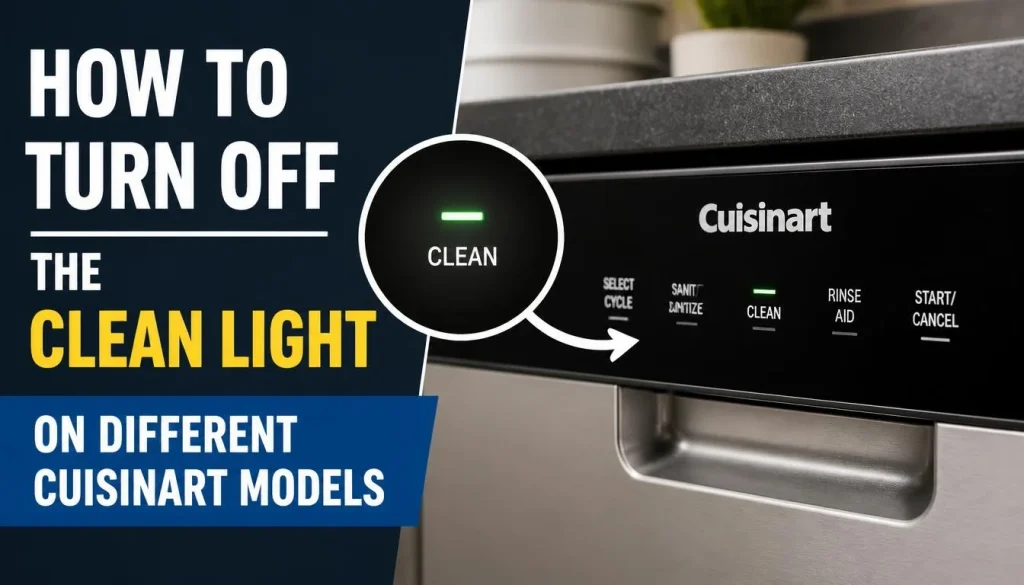
One of the biggest mistakes coffee maker owners make is following cleaning instructions written for another model.
Here are three model-specific examples.
Cuisinart DCC-3200 Clean Light Won’t Turn Off
The DCC-3200 uses a CLEAN LED to indicate when descaling is needed.
According to its instruction manual:
- Remove the charcoal water filter.
- Fill the reservoir with 1/3 white vinegar and 2/3 water.
- Press and hold CLEAN until the LED flashes.
- Release the button.
- Allow the cleaning cycle to finish.
- Listen for five beeps and wait for the machine to shut off.
- If the indicator comes back on, repeat the procedure with fresh solution.
- When the indicator remains off, run one full reservoir of fresh water.
If the light remains on after following these steps, check the full manual before attempting another cleaning cycle.
Cuisinart DCC-1100 Clean Light Stays On
The DCC-1100C uses a different cleaning sequence.
Its manual explains that a flashing Clean Light indicates that calcium deposits need to be removed.
To clean the machine:
- Prepare 1/3 white vinegar and 2/3 water.
- Fill the water reservoir.
- Press the CLEAN button.
- Allow the machine to enter self-cleaning mode.
- Wait until the cleaning cycle finishes and the machine shuts off.
- Check whether the Clean Light has stopped flashing.
- Run a full cycle with fresh cold water before brewing again.
Do not use the DCC-3200 button sequence on your DCC-1100 unless the manual specifically tells you to do so.
Cuisinart SS-4N1 Coffee Center Clean Light Won’t Turn Off
The Cuisinart SS-4N1 Coffee Center BaristaBar has a 12-cup carafe brewer and a separate single-serve brewing system.
Each side has its own descaling procedure.
12-Cup Carafe Side
The cleaning procedure is similar to other Cuisinart drip coffee makers.
Remove the charcoal water filter, prepare the recommended vinegar solution, and hold the CLEAN button until the LED flashes.
When the cleaning cycle finishes, the machine should beep five times and shut off.
If the CLEAN indicator returns, the manual says to repeat the procedure with fresh solution. Once the indicator stays off, complete the required fresh-water rinse.
Single-Serve Side
The single-serve system uses a separate procedure.
For the SS-4N1C manual:
- Remove the charcoal water filter.
- Prepare 13 oz of white vinegar and 26 oz of water.
- Fill the single-serve reservoir.
- Place a suitable ceramic mug under the steam and hot-water wand.
- Turn the START/STOP knob to CLEAN.
- Press the knob to begin descaling.
- Follow the remaining instructions to complete the single-serve and steam-wand cleaning process.
After the single-serve descaling stage, the STEAM and HOT WATER indicators turn on. You must press the START/STOP knob again to begin descaling the steam and hot-water wand.
The manual also explains that the CLEAN indicator should turn off and five beeps should sound when the relevant descaling procedure is complete.
If the indicator remains on, Cuisinart specifically recommends checking that the procedures for both the 12-cup and single-serve sides have been completed correctly.
You can read the official Cuisinart SS-4N1C instruction booklet.
Can You Reset a Cuisinart Clean Light Without Descaling?
This is a common question among Cuisinart owners.
Unfortunately, there is no universal reset button or button combination that works for every Cuisinart coffee maker.
The Clean Light is a maintenance reminder on these models. The correct way to clear it is generally to complete the model-specific descaling procedure.
Unplugging the machine may help with certain temporary operating problems, but it does not remove mineral deposits or replace the cleaning cycle.
For example, the SS-4N1C manual recommends unplugging the machine for at least one minute if it will not brew. This is a general troubleshooting step, not a guaranteed way to reset the Clean indicator.
Avoid trying random button combinations you find online. They may not work for your model.
Vinegar vs. Descaling Solution: Which Should You Use?
Both vinegar and commercial descaling products can be used to remove mineral buildup, but the right choice depends on your coffee maker.
| Cleaning Option | Main Benefit | Important Note |
|---|---|---|
| White vinegar | Helps dissolve mineral deposits | Use the ratio specified in your model’s manual |
| Commercial descaler | Designed for removing limescale | Check whether Cuisinart approves it for your model |
Cuisinart provides vinegar-based cleaning instructions for the models discussed in this article.
If you prefer a commercial descaler, check the product instructions and your coffee maker manual first.
Never mix different cleaning products.
You should also understand that descaling and regular cleaning are not the same thing. Descaling removes mineral buildup, while washing the carafe and filter basket removes coffee residue and oils.
How to Prevent the Cuisinart Clean Light From Coming Back

Once your Clean Light turns off, a few simple habits can help keep your coffee maker working properly.
1. Descale regularly.
Follow your model’s recommended maintenance schedule. Hard water may cause mineral deposits to develop faster.
2. Maintain the charcoal water filter.
Replace or maintain the filter according to the manufacturer’s instructions.
3. Keep removable parts clean.
Wash the carafe, lid, filter basket, and other removable parts regularly.
4. Use the correct cleaning procedure.
Do not use another Cuisinart model’s button sequence or vinegar ratio.
5. Avoid ignoring the Clean Light.
When the indicator appears, check your manual and complete the recommended descaling process.
If you are unsure how often your machine needs maintenance, read our guide on how often you should descale your coffee maker.
Frequently Asked Questions About Cuisinart Clean Light Won’t Turn Off
Why Is My Cuisinart Clean Light Still On After Cleaning?
Your Cuisinart Clean Light may stay on because the cleaning cycle was interrupted, the wrong button sequence was used, or the machine did not complete the required descaling procedure. Check your exact model’s instructions and repeat the cleaning process only if the manual recommends it.
How Do I Reset the Clean Light on a Cuisinart Coffee Maker?
There is no single reset method for every Cuisinart coffee maker. Most models require you to complete the correct cleaning cycle. Check your model number and follow its official descaling instructions.
Why Is My Cuisinart Clean Light Blinking?
A blinking Clean Light can indicate that your coffee maker needs descaling or that it has entered Clean mode. The meaning depends on the model. For example, the DCC-3200 uses a flashing CLEAN LED to confirm that cleaning mode has started.
How Many Times Should I Run the Cuisinart Cleaning Cycle?
One complete cleaning cycle is usually sufficient for certain Cuisinart drip coffee makers, including the DCC-3200. However, if the indicator comes back on, the manual may recommend another cycle with fresh cleaning solution. Always follow your model’s instructions.
Can I Still Make Coffee When the Cuisinart Clean Light Is On?
The Clean Light usually indicates that maintenance is required rather than automatically meaning the coffee maker has stopped working. However, you should complete the recommended cleaning procedure instead of ignoring the reminder for a long time.
If the machine displays another warning, stops brewing, or behaves unusually, follow its troubleshooting instructions before using it again.
Why Won’t My Cuisinart Coffee Maker Enter Clean Mode?
Possible causes include an incorrect button sequence, a model-specific control procedure, or an unresponsive control panel. Check the exact instructions for your model. Do not keep pressing random buttons to force the cleaning mode to start.
Should I Descale Both Sides of My Cuisinart Coffee Center?
Yes, when the model has separate carafe and single-serve systems, follow the manual’s instructions for both sides. The SS-4N1C, for example, has separate descaling procedures. Cleaning one side does not automatically complete the cleaning process for the other.
Final Thoughts
A Cuisinart Clean Light that won’t turn off can be annoying, but it does not always mean your coffee maker needs repair.
In many cases, the problem comes from an incomplete cleaning cycle, an incorrect button sequence, or a missed descaling step.
Start by identifying your exact model. Then follow its official cleaning instructions, use the recommended solution, and complete every required rinse step.
Pay special attention to models such as the DCC-3200 and SS-4N1 Coffee Center because their cleaning procedures are different.
If the Clean Light remains on after you have followed the correct procedure, contact Cuisinart support for further help.
A little careful maintenance can help your coffee maker continue brewing fresh coffee without unnecessary problems.

“I believe great cooking starts with the right tools, trusted advice, and a little confidence in the kitchen.”
Hi, I’m Emma Carter. My love for cooking began in my grandmother’s kitchen, where I learned that every great meal starts with simple ingredients and the right cookware. Over the years, I’ve spent countless hours researching, testing, and comparing kitchen appliances, cookware, coffee makers, air fryers, and other everyday kitchen essentials.
Here at KiCook, my goal is to make your buying decisions easier with honest product reviews, practical buying guides, and easy-to-follow cooking tips. Whether you’re upgrading your kitchen or searching for the best appliance for your home, I focus on providing clear, reliable, and research-backed information you can trust.
When I’m not testing new kitchen gadgets or writing in-depth guides, you’ll usually find me trying new recipes, visiting local farmers’ markets, or enjoying a quiet cup of coffee while planning my next kitchen project.