

Your coffee maker starts its cleaning cycle, but something goes wrong. The timer stops moving, the clean light keeps flashing, or the machine stops releasing water. You may also find that the cleaning cycle appears to finish, but the warning light stays on.
Before assuming your coffee maker is broken, check a few simple things.
A stuck cleaning cycle can result from an interrupted process, an incorrectly fitted water tank, a missed rinse step, mineral buildup, or an incorrect cleaning procedure. The exact cause depends on your coffee maker’s brand and model.
In this guide, I will explain how to identify the problem, which troubleshooting steps to try first, and when to contact the manufacturer for help.
Quick Answer: What Should You Do If Your Coffee Maker Cleaning Cycle Is Stuck?
If your coffee maker cleaning cycle is stuck, first check the owner’s manual to confirm how long the cycle should take. Then check the water reservoir, confirm that you selected the correct cleaning mode, and look for a missed cleaning or rinse step.
If water is not flowing, the machine shows an error, or the cycle will not move forward, stop and follow the manufacturer’s troubleshooting instructions. Do not repeatedly restart the machine, force the controls, or run the pump without water.
Important: Cleaning and descaling are different processes. Make sure you are following the correct procedure for your particular coffee maker before trying to reset it.
How to Tell If Your Coffee Maker Cleaning Cycle Is Really Stuck
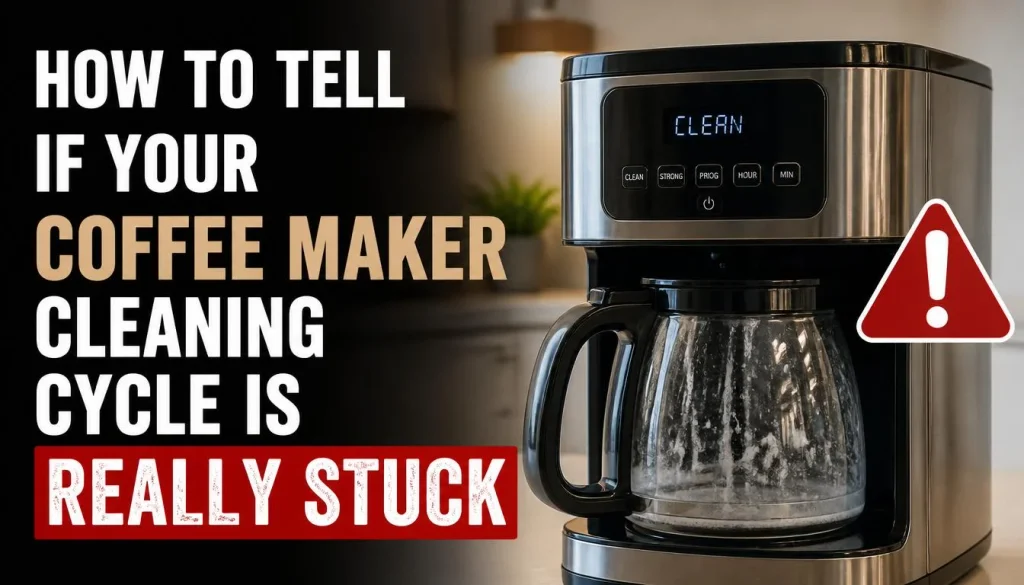
Not every pause means something is wrong. Some machines pause between stages, heat water, or wait for you to complete a step.
Here are the main signs that your coffee maker may have a problem.
The Cleaning Timer Is Not Moving
If your coffee maker has a digital display, check whether the timer or progress indicator has stopped changing.
A short pause might be normal. However, if the machine remains in the same state beyond the time specified in the manual, it may need attention.
Avoid guessing how long to wait. A small drip coffee maker and an espresso machine with an automatic descaling program may use very different procedures.
The Clean Light Keeps Flashing
A flashing clean light can mean that the machine needs cleaning, that a cleaning process is still underway, or that the previous cycle was not completed correctly.
For example, KitchenAid’s official troubleshooting guide explains that its cleaning indicator can continue blinking if the cleaning process is interrupted.
Check what the light means for your exact model before trying to reset it.
The Machine Stops Releasing Water
Your coffee maker may turn on and make noise, but no water comes through the outlet.
Possible causes include an empty reservoir, an incorrectly fitted tank, restricted water flow, mineral deposits, or a problem with the water system.
If the pump runs but no water comes out, do not keep running it in an attempt to force water through. Check the approved troubleshooting steps for your model.
The Machine Appears to Finish but Will Not Return to Normal Mode
Some coffee makers require a separate rinse stage after cleaning or descaling.
If you skip this step, the machine may remain in maintenance mode or continue displaying a warning. Check the display and manual to determine whether another stage is required.
Why Is My Coffee Maker Cleaning Cycle Stuck?
Understanding the likely cause makes it easier to choose the right fix.
| Possible cause | What you may notice |
|---|---|
| Normal pause | The machine appears inactive for a short time |
| Interrupted cycle | The cleaning light keeps flashing or the program does not finish |
| Incorrect water tank position | The machine reports a water problem or cannot draw water |
| Missed rinse step | The clean or descale warning remains on |
| Mineral buildup | Water flows slowly or stops during descaling |
| Incorrect button sequence | Cleaning mode will not start |
| Technical fault | The same error returns after the correct troubleshooting steps |
These are possible explanations, not definite diagnoses. Use the machine’s display, manual, and operating behavior to narrow down the problem.
How to Fix a Coffee Maker Cleaning Cycle That Is Stuck
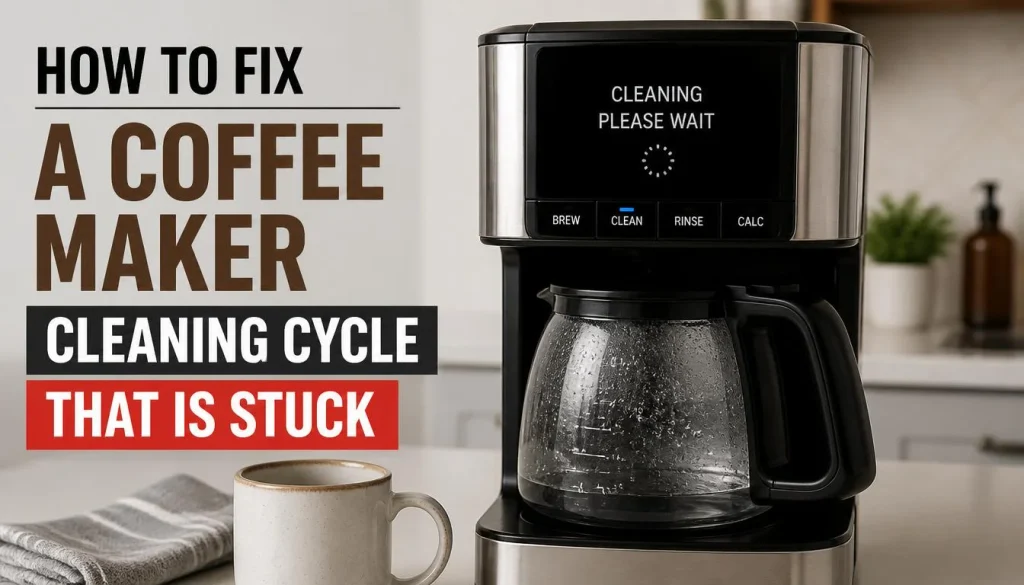
Try these eight fixes in order, starting with the simplest checks. You may not need to complete every step.
1. Check the Recommended Cleaning Time
First, check whether the cleaning cycle has actually exceeded its normal duration.
Some machines pause between stages. Others need time to heat water, move cleaning solution through the system, or wait for a rinse step.
Look up the cleaning or descaling instructions for your model. If the machine is still within its expected cycle time, allow the process to continue as directed.
If the cycle has exceeded the recommended time and the display has not changed, continue with the following checks.
Do not repeatedly press buttons while the machine is working. You could interrupt the program or move it into a different operating mode.
2. Check the Water Reservoir and Removable Parts
An incorrectly fitted or empty water reservoir can prevent some coffee makers from completing their cleaning cycle.
Follow these steps:
- Check the display for a low-water warning or another message.
- Look at the water level through the reservoir, if possible.
- If the machine’s instructions allow it, switch off the appliance and let it cool before removing the tank.
- Check that the reservoir is correctly seated and that its accessible connections are clear of visible debris.
- Refill it with the required water or cleaning solution according to the instructions for your current cleaning stage.
Do not fill the reservoir beyond its marked limit.
If you removed the filter, drip tray, or another removable component before cleaning, make sure it has been reinstalled correctly.
Restarting the cleaning process without correcting an improperly fitted reservoir is unlikely to solve the underlying problem.
3. Confirm the Correct Cleaning Mode and Button Sequence
Some coffee makers require you to enter a special cleaning or descaling mode before the cycle can begin.
If you selected the wrong mode or held the controls for the wrong amount of time, the cleaning program may not start properly.
Check these details in your manual:
- Whether the machine needs to be on or off before starting.
- Which buttons must be pressed.
- How long the buttons must be held.
- Whether the water reservoir, drip tray, or other parts need to be prepared first.
- Whether the machine must be idle rather than actively brewing or steaming.
For example, Breville’s official descaling troubleshooting guide covers problems with entering descaling mode, starting the cycle, maintaining water flow, and completing the final rinse.
The steps differ between models, even within the same brand. Follow the instructions for your particular machine rather than copying a button combination from another model.
4. Check Why Water Is Not Flowing
If the cleaning cycle starts but no water comes out, investigate the water supply before attempting another cycle.
Start with the reservoir. Make sure it contains the correct amount of liquid for the current stage and is fitted properly.
Next, check the removable parts that the manufacturer allows you to inspect. Depending on the machine, coffee residue around a pod holder, filter basket, or accessible outlet may interfere with normal flow.
If you suspect mineral buildup, remember that descaling may be necessary. However, do not automatically start another descaling cycle while the machine is already stuck in one.
Breville’s official troubleshooting instructions for espresso machines explain that mineral deposits can restrict water flow and that the correct descaling and rinsing procedure depends on the model.
If water still does not flow after the approved checks, stop the process and contact the manufacturer. Do not keep operating a pump that cannot draw water.
5. Handle an Interrupted Cleaning Cycle Correctly
Did the power go out, did you accidentally press a button, or did the machine stop while cleaning?
An interrupted cycle may explain why the machine will not return to normal operation.
The correct recovery method depends on the model. Some machines require you to repeat part of the cleaning procedure, while others may need the full process completed again.
Here is what to do:
- Check the display for an error message.
- Read the manual’s instructions for an interrupted cleaning or descaling cycle.
- Confirm whether the machine requires a restart or a specific recovery procedure.
- Follow the steps in the correct order.
- Make sure every required cleaning and rinsing stage is completed.
Do not assume that unplugging the machine will reset the problem. On some coffee makers, disconnecting power during or immediately after cleaning can interrupt the process and cause the warning light to continue flashing.
If your coffee maker remains stuck after the approved recovery procedure, contact customer support.
If the problem started immediately after descaling, read our guide on coffee maker not working after descaling for additional troubleshooting steps.
6. Complete Every Required Rinse Step
This is one of the most important checks when a cleaning cycle appears to have finished but the machine remains in maintenance mode.
Cleaning solution and descaling solution have different purposes, and the instructions for removing them also vary.
After the cleaning stage, your coffee maker may require fresh water to pass through the system. Some models use a dedicated rinse program, while others require one or more water-only cycles.
Check your manual and confirm that you have:
- Removed used cleaning solution when instructed.
- Rinsed the reservoir if required.
- Refilled the tank with fresh water.
- Selected the correct rinse mode or followed the stated sequence.
- Completed every required rinse stage.
Do not guess how many rinses your machine needs.
For example, De’Longhi’s official support guidance explains that a descale light may remain on when required steps have been skipped or completed too quickly. Its recommended recovery procedure is specific to the relevant machine type.
Likewise, follow the instructions provided for your particular Breville, Keurig, Cuisinart, or other coffee maker.
If the cycle finishes successfully but the coffee maker still will not brew, see our guide on what to do when a coffee maker is not working after descaling.
7. Exit Cleaning or Descaling Mode Using the Correct Procedure
Sometimes the cleaning process has finished, but the coffee maker remains in maintenance mode.
This can happen when the machine has not registered the final step or when a required action has been missed.
Before trying a reset, check whether the display is asking for another rinse, a confirmation, or a specific completion step.
If your manual provides a procedure for exiting cleaning mode, follow it exactly.
Avoid trying random button combinations or performing a factory reset as your first response. A factory reset may erase saved settings, and it may not solve a problem caused by an incomplete cleaning cycle.
If the machine is still stuck, consult the manufacturer’s model-specific troubleshooting page.
8. Restart the Machine or Contact Customer Support
A restart may help if the machine is unresponsive, but it should not replace the proper cleaning procedure.
First, check the manual to determine whether a restart is permitted and how it should be performed. If the machine needs to finish an active cleaning stage, do not interrupt it simply to see whether restarting helps.
If the manual recommends a restart, follow the specified steps and check whether the machine returns to normal operation.
Contact customer support if:
- The same error message keeps returning.
- The cleaning cycle cannot be completed.
- Water does not flow after the recommended troubleshooting steps.
- The machine repeatedly returns to cleaning mode.
- You suspect a faulty sensor, pump, control, or internal component.
If you notice smoke, sparks, a burning electrical smell, damaged wiring, or water near electrical connections, stop using the machine. Disconnect power only if it is safe to do so, and arrange appropriate service.
Coffee Maker Clean Light Won’t Turn Off After Cleaning
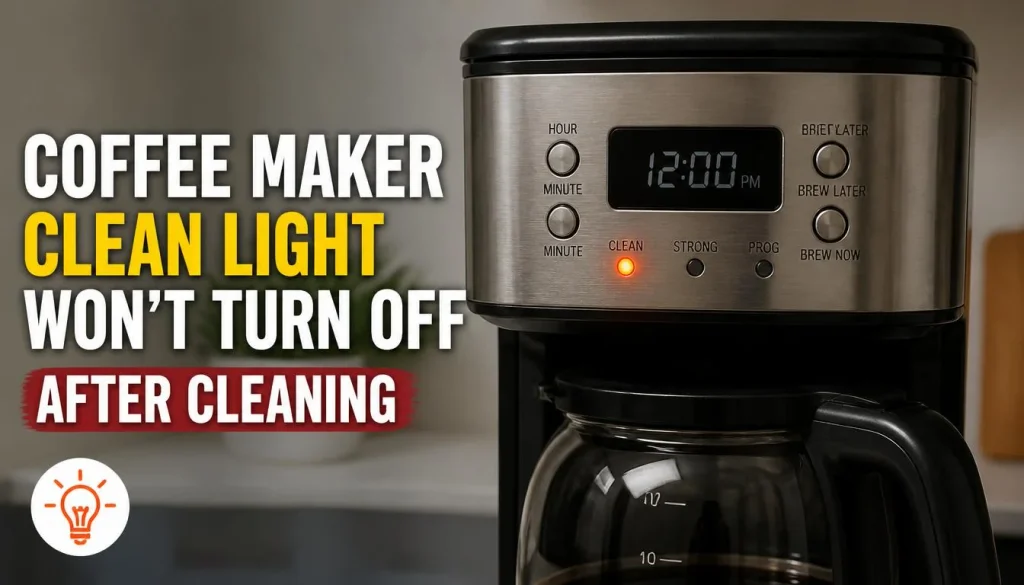
A clean light that stays on is not always evidence that the entire cleaning system is stuck.
First, check whether your coffee maker uses the same indicator for a maintenance reminder and for an active cleaning process.
Then consider these possibilities.
The Cleaning Cycle Was Not Completed
If the machine lost power or was switched off during cleaning, it may not have registered the completed cycle.
Follow the manufacturer’s instructions for recovering from an interrupted cycle.
The Machine Needs Another Rinse
Some descaling programs require a specific sequence of fresh-water rinses before the warning disappears.
Check the manual to see whether the final rinse was completed correctly.
The Indicator Needs a Model-Specific Completion Step
Some machines have a dedicated procedure for clearing the maintenance indicator after the cycle is complete.
Do not apply a generic reset method. Use the owner’s manual for your model.
For more help, read the official KitchenAid guide to a coffee maker cleaning indicator that will not turn off.
Cleaning Cycle Stuck vs. Descaling Cycle Stuck
It is easy to confuse cleaning with descaling, but they solve different problems.
A cleaning cycle generally removes coffee oils and residue from the areas used during brewing. Descaling removes mineral deposits, often called limescale, from the internal water system.
The two processes may use different products, settings, and instructions.
What If the Descaling Cycle Is Stuck?
If the descaling cycle will not finish, check whether the reservoir is correctly fitted, the correct descaling mode is active, and the machine is receiving water.
If water flow has stopped, do not continue running the pump without water. Follow the manufacturer-approved procedure for restoring flow or contact customer support.
What If the Descale Light Stays On?
A warning light that remains on after descaling may indicate an incomplete process or a missed rinse step.
De’Longhi’s support guidance explains how an incomplete process can prevent the machine from recognising that descaling is finished. Read the specific instructions for your model before repeating any part of the process.
For more information, see our guide to coffee maker problems after descaling.
Troubleshooting Different Coffee Maker Brands
Although many coffee makers use cleaning indicators, there is no single procedure that works for every brand.
Keurig Coffee Makers
If your Keurig cleaning or descaling process is stuck, check the water reservoir, display message, and instructions for your brewer.
Pod holders and accessible brew components may also need cleaning if residue is interfering with normal water flow. Follow the manual before inspecting any needle or internal area.
Our guide on how to clean a Keurig coffee maker covers routine cleaning, accessible components, descaling, and rinsing.
For official instructions, visit Keurig Support.
Cuisinart Coffee Makers
Some Cuisinart coffee makers have a dedicated clean function. Others use a different cleaning procedure.
Cuisinart explains its recommended process on its official coffee maker cleaning guide. Check your specific model’s instructions before using vinegar or another cleaning product.
Breville and Sage Espresso Machines
These machines may use programmed cleaning and descaling sequences. The steps required to enter maintenance mode or complete a rinse can vary between models.
Read Breville’s official descaling troubleshooting guide if the cycle will not start, water will not flow, or the indicator stays on.
De’Longhi Coffee Makers
If your De’Longhi machine remains in descaling mode, check whether you completed the correct sequence and every required rinse.
Start with De’Longhi’s official descale-light troubleshooting instructions. Make sure the procedure applies to your exact machine.
Other Coffee Makers
For Ninja and other brands, consult the model-specific owner’s manual or official support website.
Do not assume that a cleaning procedure for one machine will work on another, even if the controls look similar.
What Not to Do When a Cleaning Cycle Gets Stuck
Trying random fixes can make a small problem worse. Avoid these common mistakes.
Do not keep pressing buttons. You may interrupt the current process or change the machine’s operating mode.
Do not unplug the machine just to clear the light. Some models treat this as an interrupted cycle. Follow the manual unless there is an immediate safety concern.
Do not mix cleaning chemicals. Combining vinegar, descaling solution, bleach, or other cleaners can create dangerous reactions or damage the machine.
Do not use an unapproved cleaning product. Some manufacturers restrict which products can be used. Check the manual before using vinegar or a commercial descaler.
Do not keep running the pump without water. Stop and follow the approved troubleshooting procedure if water will not flow.
Do not open the machine’s housing. Electrical and internal plumbing repairs should be handled by someone qualified to service the appliance.
How to Prevent Your Coffee Maker Cleaning Cycle From Getting Stuck Again

Regular maintenance can reduce problems related to residue and mineral buildup. It cannot prevent every hardware fault, but it can help your machine work as intended.
Follow the Recommended Cleaning Schedule
Clean the carafe, filter basket, pod holder, and other removable parts according to your machine’s instructions.
If you are unsure how often to clean each part, read our guide on how often you should clean your coffee maker.
Use the Correct Cleaning Product
Choose a cleaning tablet or descaling product approved for your model.
Do not assume that a product suitable for a drip coffee maker is also safe for an espresso machine.
Complete Every Cleaning and Rinse Step
Allow the machine to finish the prescribed process. If it requests fresh water or another rinse, follow the instructions before returning to normal brewing.
Keep the Water Reservoir Clean
Wash and rinse removable parts as directed. Check that the reservoir is correctly seated whenever you reinstall it.
Pay Attention to Changes in Performance
Slow water flow, unusual noises, recurring warning lights, or repeated interruptions may signal a problem that needs attention.
Address these changes early instead of repeatedly restarting the cleaning cycle.
Frequently Asked Questions
How Long Should a Coffee Maker Cleaning Cycle Take?
There is no single duration for every coffee maker. The time depends on the model, the type of maintenance cycle, and the required rinse stages.
Check the manufacturer’s instructions. If the cycle exceeds the expected time and the machine remains unresponsive, follow the troubleshooting procedure for your model.
Why Is My Coffee Maker Stuck in Cleaning Mode?
Possible causes include an interrupted cycle, an incorrect button sequence, a missed rinse stage, or a technical fault.
Check the display and manual first. Do not perform a factory reset or repeat the entire process until you know what your machine requires.
Can I Unplug My Coffee Maker During a Cleaning Cycle?
Do not unplug a machine simply to clear a stuck indicator unless its instructions tell you to do so. Disconnecting power may interrupt the process.
If the appliance shows electrical warning signs or presents an immediate safety risk, stop using it and disconnect the power only if safe.
What Should I Do If No Water Comes Out During Cleaning?
Check the reservoir level and position, then follow your model’s approved troubleshooting instructions. Mineral deposits or another water-flow problem may be involved.
Do not continue running the pump without water. Contact customer support if the flow does not return.
How Do I Get My Coffee Maker Out of Descaling Mode?
Complete the correct descaling and rinse procedure for your model. Some machines require a specific final step before they return to normal operation.
Check the manual rather than trying a random button combination.
Can I Use Vinegar to Fix a Stuck Cleaning Cycle?
Only if the manufacturer allows it for your model. Vinegar is not a universal solution, and some coffee makers require a particular descaling product.
Using the wrong cleaner may damage the machine or leave an unwanted taste.
Why Does My Coffee Maker Still Show a Cleaning Warning After the Cycle?
The machine may not have registered completion, or a required rinse or confirmation step may be missing.
Check the manual for the indicator’s meaning and follow the relevant recovery procedure. Contact the manufacturer if the warning remains after you have completed every required step.
Final Thoughts
A coffee maker cleaning cycle that gets stuck can be frustrating, especially when you need your morning coffee. Fortunately, the cause may be something simple, such as an incorrectly fitted water reservoir, a missed rinse step, or an interrupted cleaning process.
Start by checking the expected cycle time and the instructions for your specific model. Then inspect the reservoir, confirm the correct cleaning mode, and complete any required rinse steps.
If water will not flow, the same error keeps returning, or the machine remains stuck after the recommended troubleshooting steps, contact the manufacturer rather than forcing the cycle.
The most important rule is simple: follow the cleaning procedure designed for your coffee maker. It is safer than repeatedly restarting the machine or trying fixes intended for a different model.

“I believe great cooking starts with the right tools, trusted advice, and a little confidence in the kitchen.”
Hi, I’m Emma Carter. My love for cooking began in my grandmother’s kitchen, where I learned that every great meal starts with simple ingredients and the right cookware. Over the years, I’ve spent countless hours researching, testing, and comparing kitchen appliances, cookware, coffee makers, air fryers, and other everyday kitchen essentials.
Here at KiCook, my goal is to make your buying decisions easier with honest product reviews, practical buying guides, and easy-to-follow cooking tips. Whether you’re upgrading your kitchen or searching for the best appliance for your home, I focus on providing clear, reliable, and research-backed information you can trust.
When I’m not testing new kitchen gadgets or writing in-depth guides, you’ll usually find me trying new recipes, visiting local farmers’ markets, or enjoying a quiet cup of coffee while planning my next kitchen project.